Android
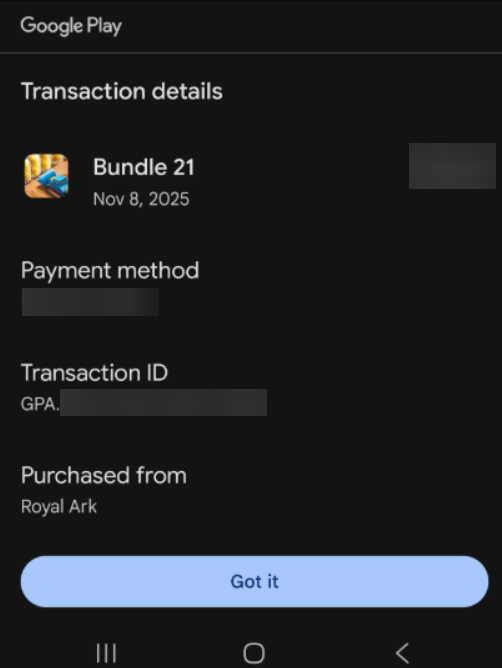
If your purchase hasn't appeared several minutes after you've completed your payment, please contact our tech support team using the support option in the in-game settings. Don't forget to provide the time and the contents of your purchase.
Please attach a screenshot of the detailed receipt from Google Play with the GPA number visible, as well as a screenshot illustrating the offer in the game.
You can find the receipt in your purchase history: https://pay.google.com/gp/w/u/0/home/activity or in an email to the address associated with your Google account from [email protected]
iOS
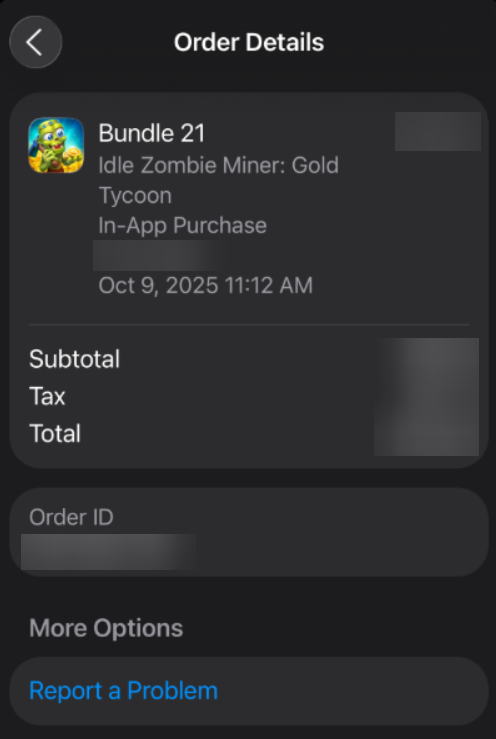
If your purchase hasn’t appeared within a few minutes of completing the payment, please contact our technical support team via the Support button in the in-game settings. Be sure to include the purchase date and the name of the offer you bought.
Please attach a screenshot of the receipt from the App Store with the transaction ID and the name of the game (Zombie Miner) visible.
The receipt must be directed to the email address associated with your Apple account; you can also find it in the purchase history of your Apple ID.